New Paid
Bold WatchFace
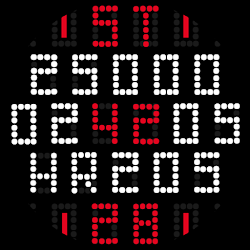
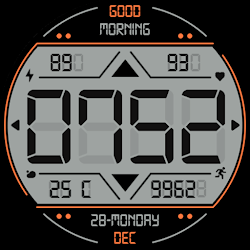
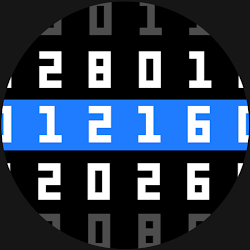
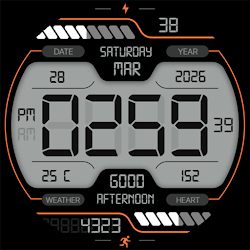
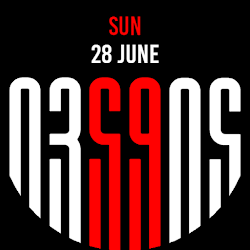
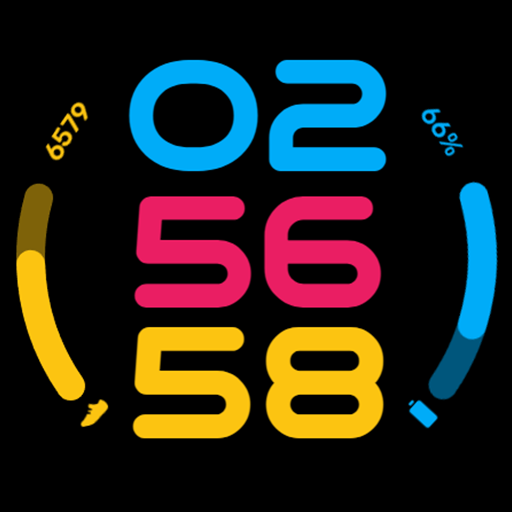
A vibrant, bold digital watch face for Wear OS with 14 color schemes.
Downloads100+
Total reviewsNo data available
Average scoreNo data available
Released on Google PlayFeb 26, 2026
Last updated on Google PlayFeb 26, 2026
DiscoveredJun 21, 2026
Last updatedAug 19, 2026
Experience ultimate clarity on your wrist. Bold WatchFace is a precision-engineered digital layout for Wear OS, designed for users who demand instant readability without sacrificing modern aesthetics. Perfectly optimized for the Samsung Galaxy Watch and Google Pixel Watch series.
+1
Core Features
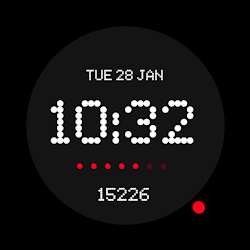
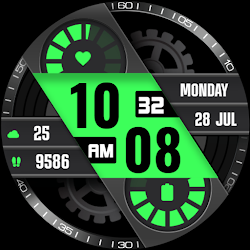
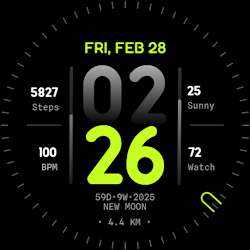
High-Visibility Digital Clock: Large, bold HH:MM:SS display for time at a glance.
Fitness Tracking: Integrated Step Counter paired with a sleek visual progress arc.
Power Awareness: Dedicated Battery percentage indicator to keep you charged.
Efficient AOD: Advanced Always-On Display support, meticulously optimized for maximum power efficiency.
Tailored for You
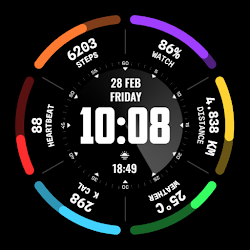
14 Professional Color Schemes: Match your watch to your outfit or mood with a diverse palette.
Seamless Customization: Intuitive, easy-to-use menu accessible directly from your watch face.
Easy Installation Guide
Sync Devices: Ensure your smartwatch is connected to your smartphone via Bluetooth.
Play Store Search: Open the Play Store and search for "Bold WatchFace."
Multi-Device Install: Tap the dropdown menu on the 'Install' button and select your watch to send the face directly to your wrist.
Activate: Long-press your current watch screen and swipe to the end to find and select your new Bold WatchFace.
+1
Core Features
High-Visibility Digital Clock: Large, bold HH:MM:SS display for time at a glance.
Fitness Tracking: Integrated Step Counter paired with a sleek visual progress arc.
Power Awareness: Dedicated Battery percentage indicator to keep you charged.
Efficient AOD: Advanced Always-On Display support, meticulously optimized for maximum power efficiency.
Tailored for You
14 Professional Color Schemes: Match your watch to your outfit or mood with a diverse palette.
Seamless Customization: Intuitive, easy-to-use menu accessible directly from your watch face.
Easy Installation Guide
Sync Devices: Ensure your smartwatch is connected to your smartphone via Bluetooth.
Play Store Search: Open the Play Store and search for "Bold WatchFace."
Multi-Device Install: Tap the dropdown menu on the 'Install' button and select your watch to send the face directly to your wrist.
Activate: Long-press your current watch screen and swipe to the end to find and select your new Bold WatchFace.
Follow JustWatchFace — new faces in your inbox
One email per day at most — a single digest of yesterday's newly indexed watch faces from all developers you follow. Double opt-in, one-click unsubscribe, nothing else ever.
More from JustWatchFace