New Paid
Neon Watchface ULTRA SGW7
Neon light-themed analog watch faces for Wear OS 5 devices.
Downloads500+
Total reviewsNo data available
Average scoreNo data available
Released on Google PlayOct 1, 2024
Last updated on Google PlayOct 11, 2024
DiscoveredJul 6, 2026
Last updatedAug 17, 2026
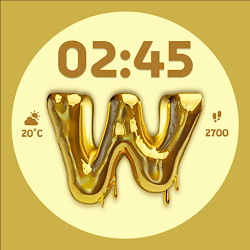
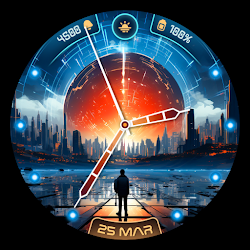
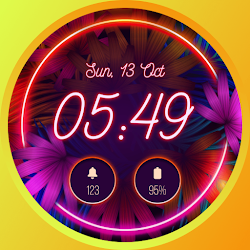
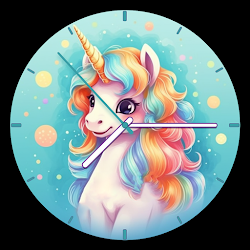
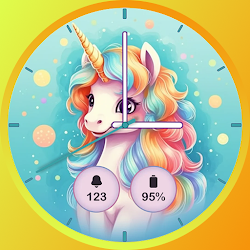
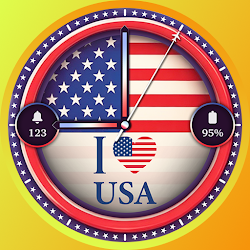
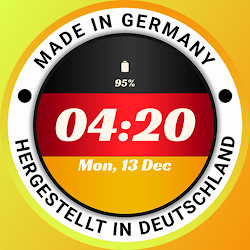
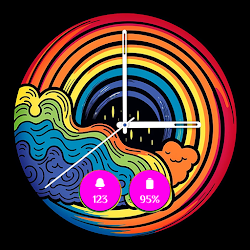
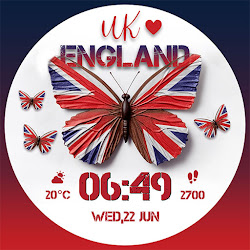
The Neon Watchface ULTRA SGW7 app combines glowing and vibrant neon backgrounds. Experience a stylish display that stands out—perfect for those who want their time to shine.
Highlighted Features of Neon Watch Face App:
• Neon Light Themed Analog Dials
• Neon-Optimized Color Options
• Customizable Complications
• Battery Indicator
• AOD Support
• Clean & Bold Themes
• Supports watches running Wear OS 5
Supported Devices:
Neon Watchface ULTRA SGW7 app is compatible with devices running Wear OS 5, such as the Galaxy Watch 7, Galaxy Watch 7 Ultra, and Pixel Watch 3.
Complications:
You can select and apply the following complications to your Wear OS smartwatch screen:
- Date
- Day of the week
- Day and date
- Next event
- Time
- Steps count
- Sunrise and sunset
- Watch battery
- World clock
Customization & Complications:
• Access Customization: Touch and hold the display.
• Select Customize: Tap on the "Customize" option to begin.
• Personalize Data Fields: In customization mode, adjust the complication fields to display your preferred data.
Install Instructions:
1. Activate the Watch Face:
• Long press on your watch screen, swipe left and tap "Add watch face" to activate it from the Downloaded section.
2. Alternative Activation:
• Open the Galaxy Wearable app on your phone, go to the "Downloaded Watch Face" section, and select the watch face to activate it.
Highlighted Features of Neon Watch Face App:
• Neon Light Themed Analog Dials
• Neon-Optimized Color Options
• Customizable Complications
• Battery Indicator
• AOD Support
• Clean & Bold Themes
• Supports watches running Wear OS 5
Supported Devices:
Neon Watchface ULTRA SGW7 app is compatible with devices running Wear OS 5, such as the Galaxy Watch 7, Galaxy Watch 7 Ultra, and Pixel Watch 3.
Complications:
You can select and apply the following complications to your Wear OS smartwatch screen:
- Date
- Day of the week
- Day and date
- Next event
- Time
- Steps count
- Sunrise and sunset
- Watch battery
- World clock
Customization & Complications:
• Access Customization: Touch and hold the display.
• Select Customize: Tap on the "Customize" option to begin.
• Personalize Data Fields: In customization mode, adjust the complication fields to display your preferred data.
Install Instructions:
1. Activate the Watch Face:
• Long press on your watch screen, swipe left and tap "Add watch face" to activate it from the Downloaded section.
2. Alternative Activation:
• Open the Galaxy Wearable app on your phone, go to the "Downloaded Watch Face" section, and select the watch face to activate it.
Follow Systorso Inc. — new faces in your inbox
One email per day at most — a single digest of yesterday's newly indexed watch faces from all developers you follow. Double opt-in, one-click unsubscribe, nothing else ever.
More from Systorso Inc.